One Home Hub for everything
Open lessons, manage classes, and keep your teaching workspace organised from one calm starting point.
 PRISM
PRISM
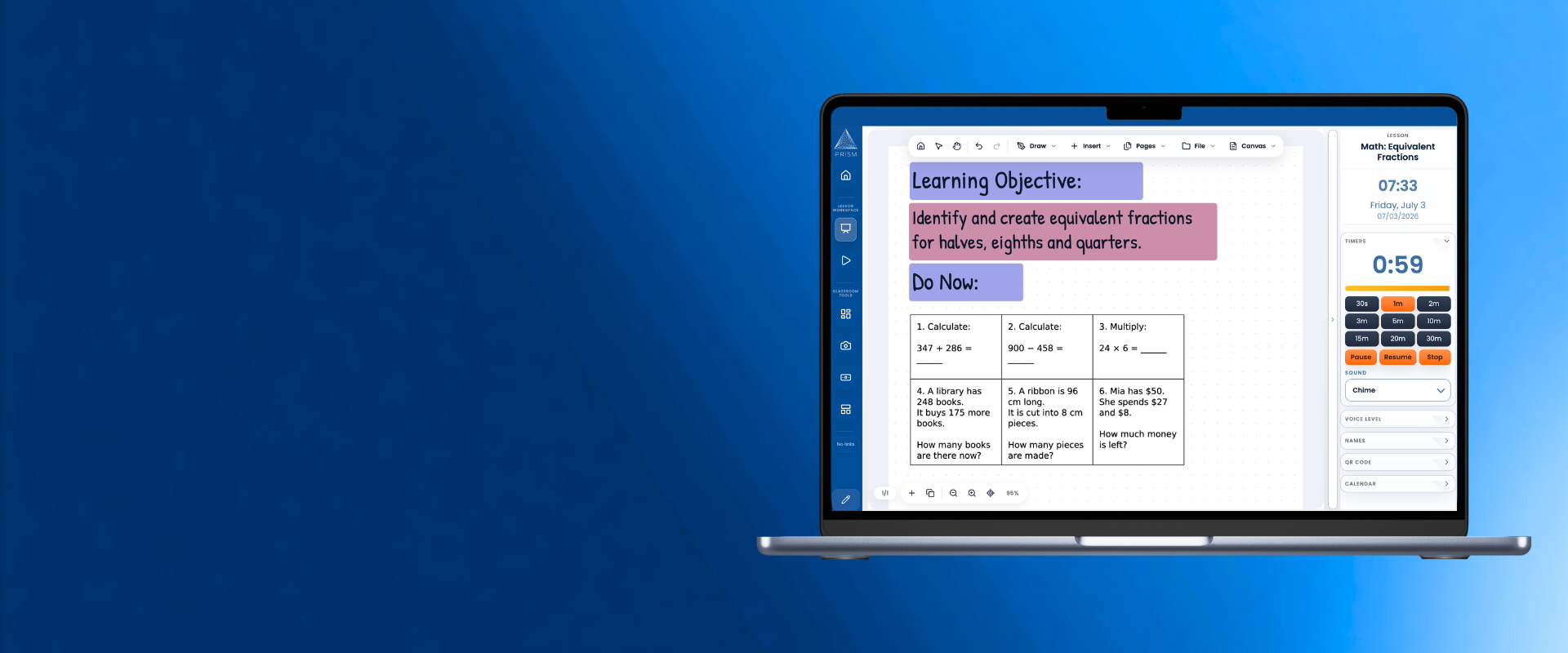
PRISM brings lesson tools, whiteboard-style teaching, PDFs, media, class lists, rewards, timers, and easy exporting into one classroom workspace.
Open lessons, manage classes, and keep your teaching workspace organised from one calm starting point.
Build pages with ink, text, shapes, images, icons, equations, PDFs, and media in one lesson flow.
Timers, names, rewards, seating, QR codes, visualizer, and class tools stay close without taking over.
Turn lesson pages and seating plans into polished PDFs or images when you need to share or print.
Inside PRISM
PRISM keeps planning, presentation, whiteboard teaching, PDFs, utilities, and class tools together so the lesson stays in one place.
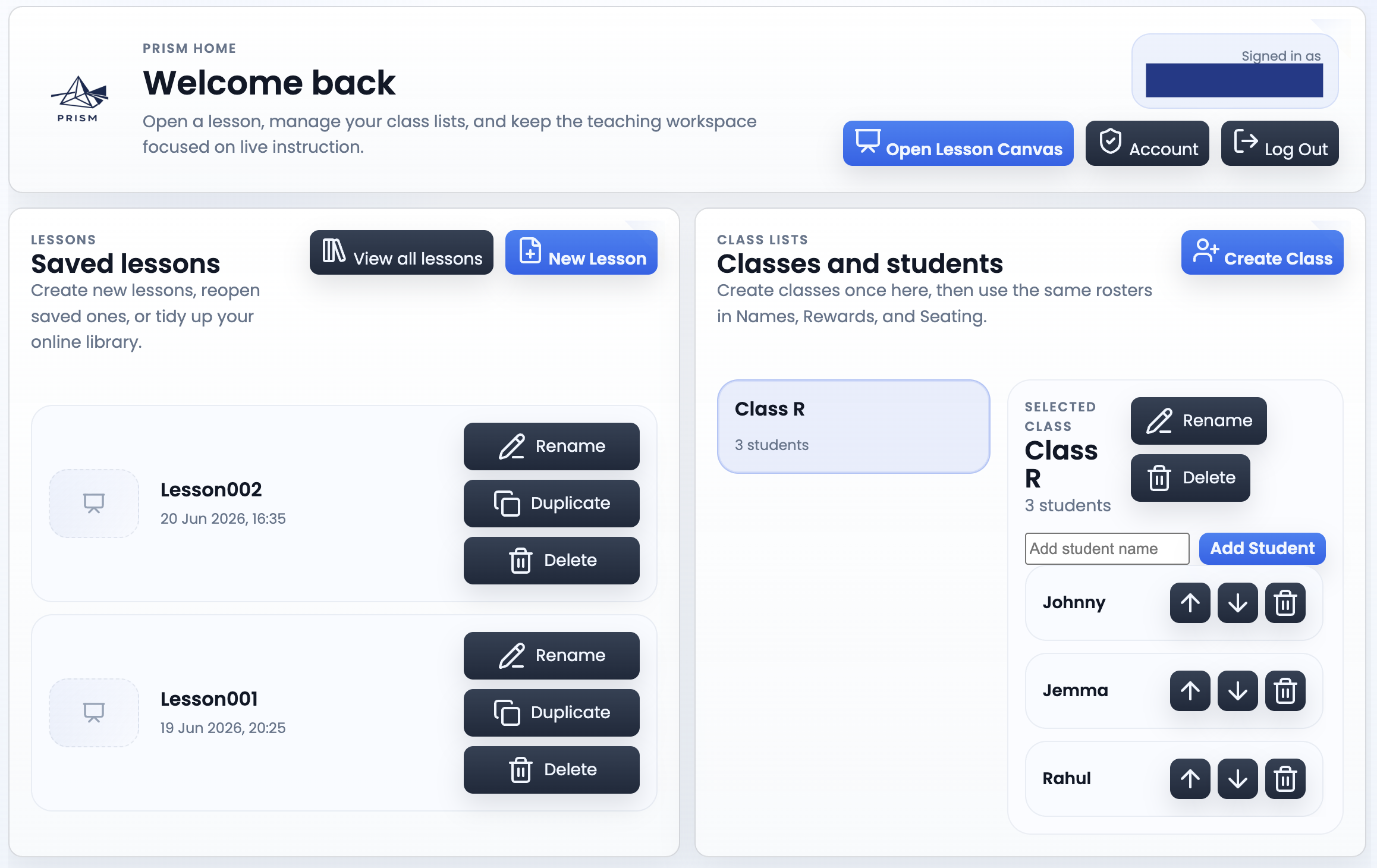
Start from a clean hub for saved lessons, class lists, and quick access to the teaching tools you actually use during the school day.
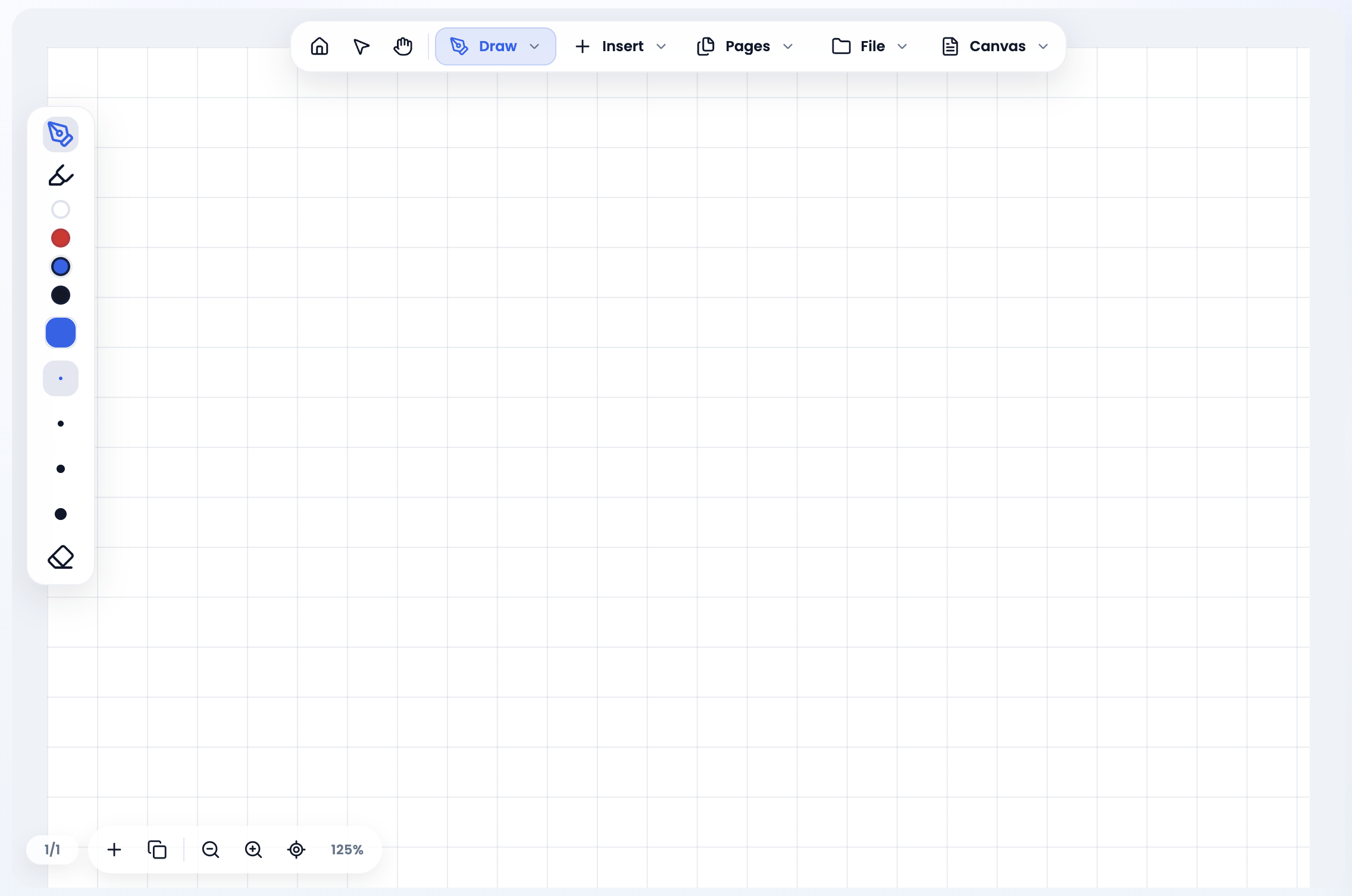
Write, type, add images, shapes, and equations, then build out lesson pages that feel comfortable for live classroom teaching.
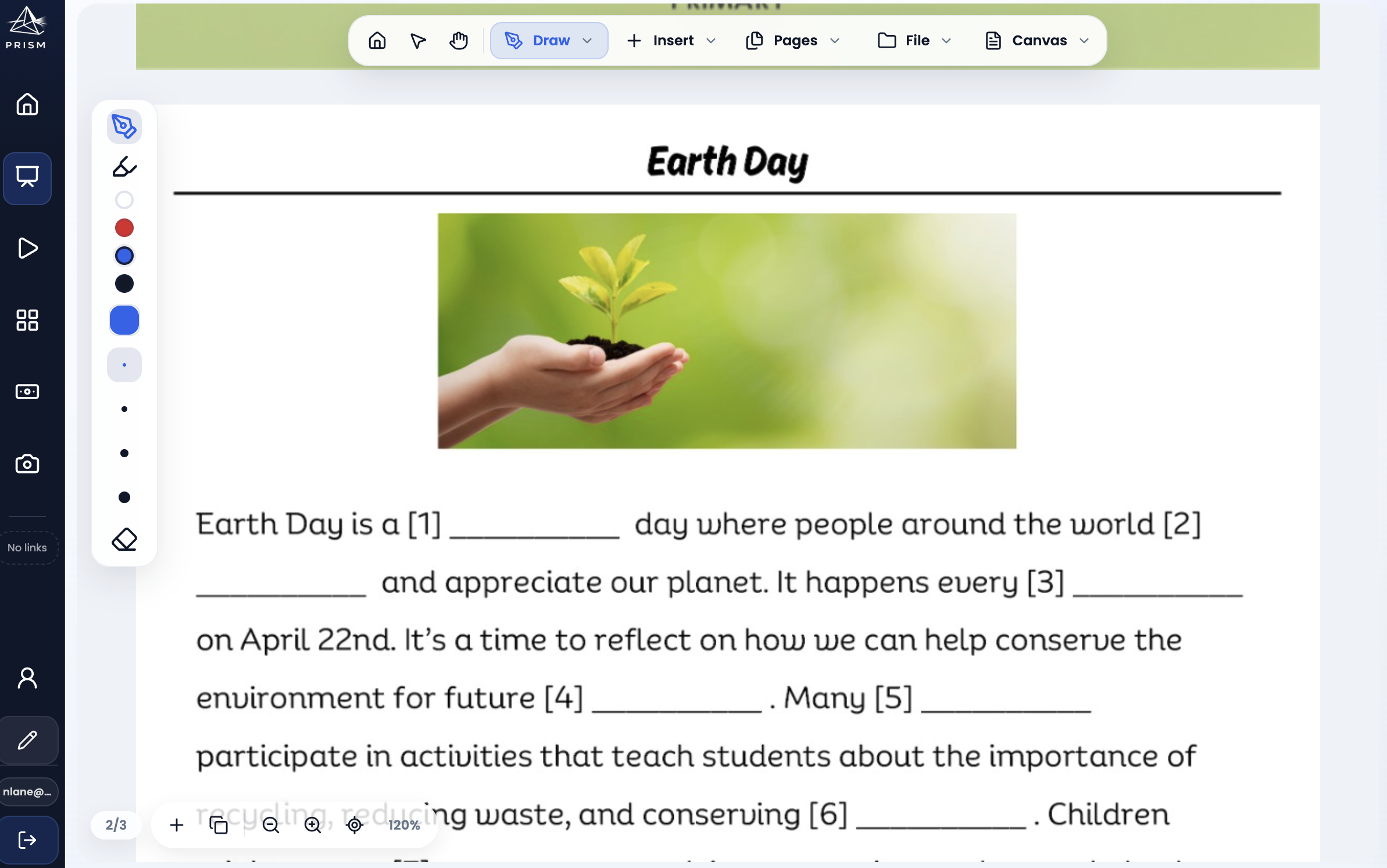
Open lesson PDFs, annotate clearly on top, and export when finished so worksheets, tasks, and worked examples stay usable.
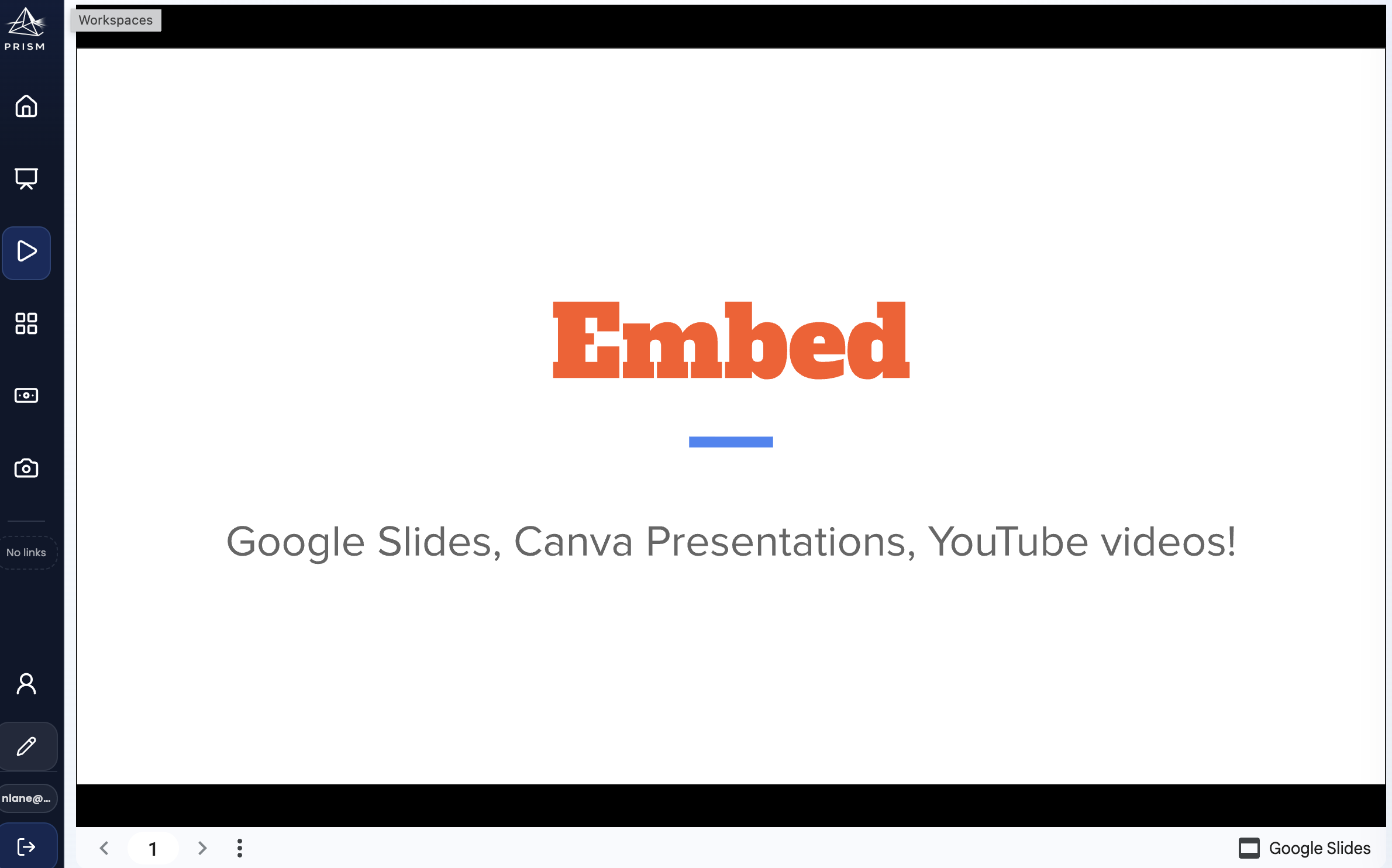
Bring useful media into the lesson workspace without breaking the flow of teaching or bouncing students through separate apps.
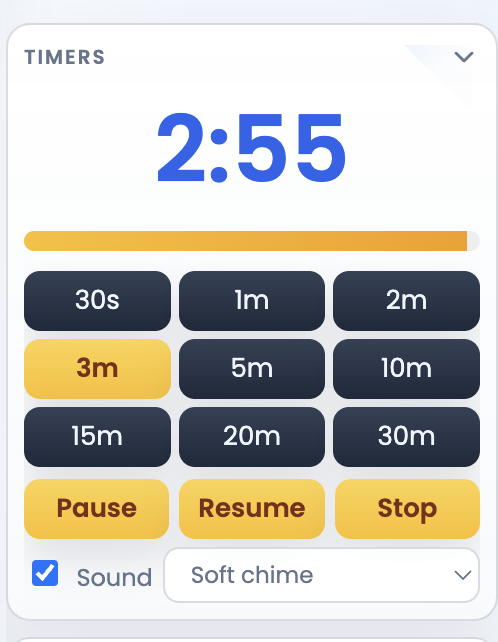
Keep timers and supporting lesson utilities close at hand so routines, transitions, and pacing stay visible during class.
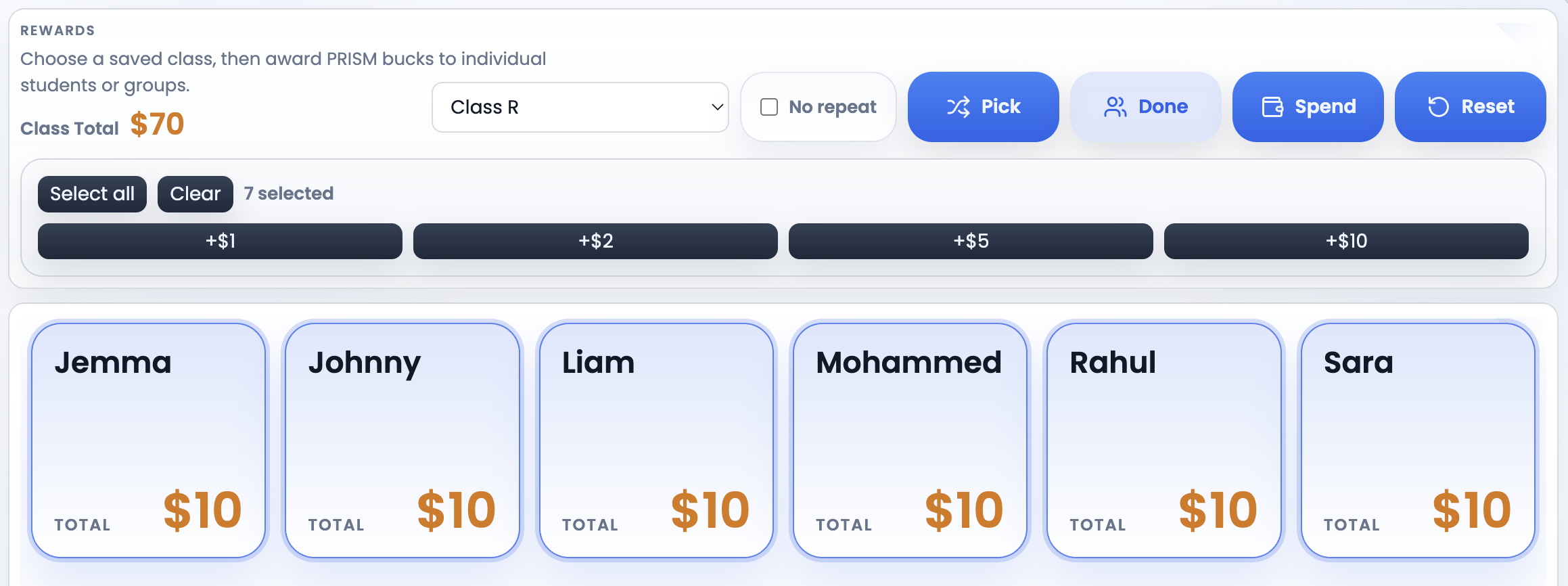
Use a simple classroom rewards system for PRISM bucks, spending, and class motivation without opening a separate tool.
Feature snapshot
PRISM is built to reduce lesson friction by keeping common classroom actions nearby, connected, and easy to reopen.
Reopen lessons cleanly from one place instead of rebuilding your setup every time.
Keep classes and student lists organised for the tools that depend on them.
Write, sketch, place images, and build lesson pages that fit live instruction.
Work directly on classroom PDFs and keep the lesson flow intact.
Export finished teaching materials without awkward extra steps.
Bring videos and presentation media into the same workspace as the lesson.
Keep visible timers ready for routines, tasks, and transitions.
Run a classroom bucks system that stays linked to your classes.
Keep your most-used classroom sites one click away in the sidebar.
Move between live teaching and room organisation without leaving PRISM.
Questions
Short answers about what PRISM is, who it is for, and how it fits into classroom teaching.
PRISM is a teacher-built classroom workspace that brings lesson delivery and everyday classroom tools together in one place. It combines whiteboard-style lesson pages with media, PDFs, timers, class tools, rewards, and practical teaching utilities.
PRISM is designed for teachers who want fewer tabs and a clearer classroom workflow. It is especially shaped by primary and elementary classroom practice, while many lesson-delivery and classroom tools can be useful across other age groups.
Teachers can create and save lessons, build whiteboard-style pages, import and annotate PDFs, add images and media, use classroom timers and utilities, manage class lists, create seating plans, and use classroom rewards tools.
Yes. PRISM supports embedded classroom media such as YouTube videos, Google Slides presentations, and Canva content, helping teachers keep more of a lesson inside one workspace.
Yes. Teachers can import PDF pages into the lesson canvas and annotate over them using PRISM’s lesson tools.
Yes. Signed-in users can save lessons to their PRISM lesson library and return to them later.
PRISM is currently in active pre-launch development. Existing test accounts can sign in, but public sign-up is not open yet and long-term pricing has not been announced.
Yes. PRISM is in active development and continues to grow around real classroom workflows and teacher needs.
You can contact PRISM at support@prismclassroom.com or visit the Support page.
Info
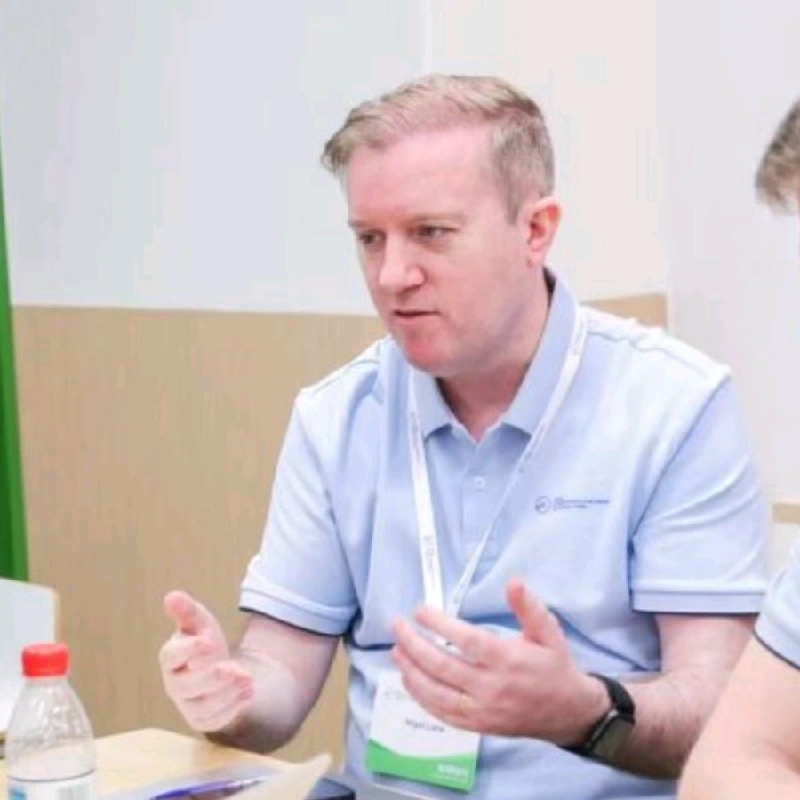
PRISM is built by Nigel Lane, a primary teacher, around the tools and routines that shape real lessons. Whiteboard pages, PDFs, media, timers, class lists, rewards, and quick classroom utilities all grew from the same practical question: how can more of the teaching day happen in one clear workspace?
The goal is simple: fewer tabs, clearer lessons, and a calmer teaching workflow.
Current status
PRISM is currently being refined and tested in the classroom. Public sign-up is not open yet, but it’s getting closer.
Featured
Listed on...







Also seen on...